
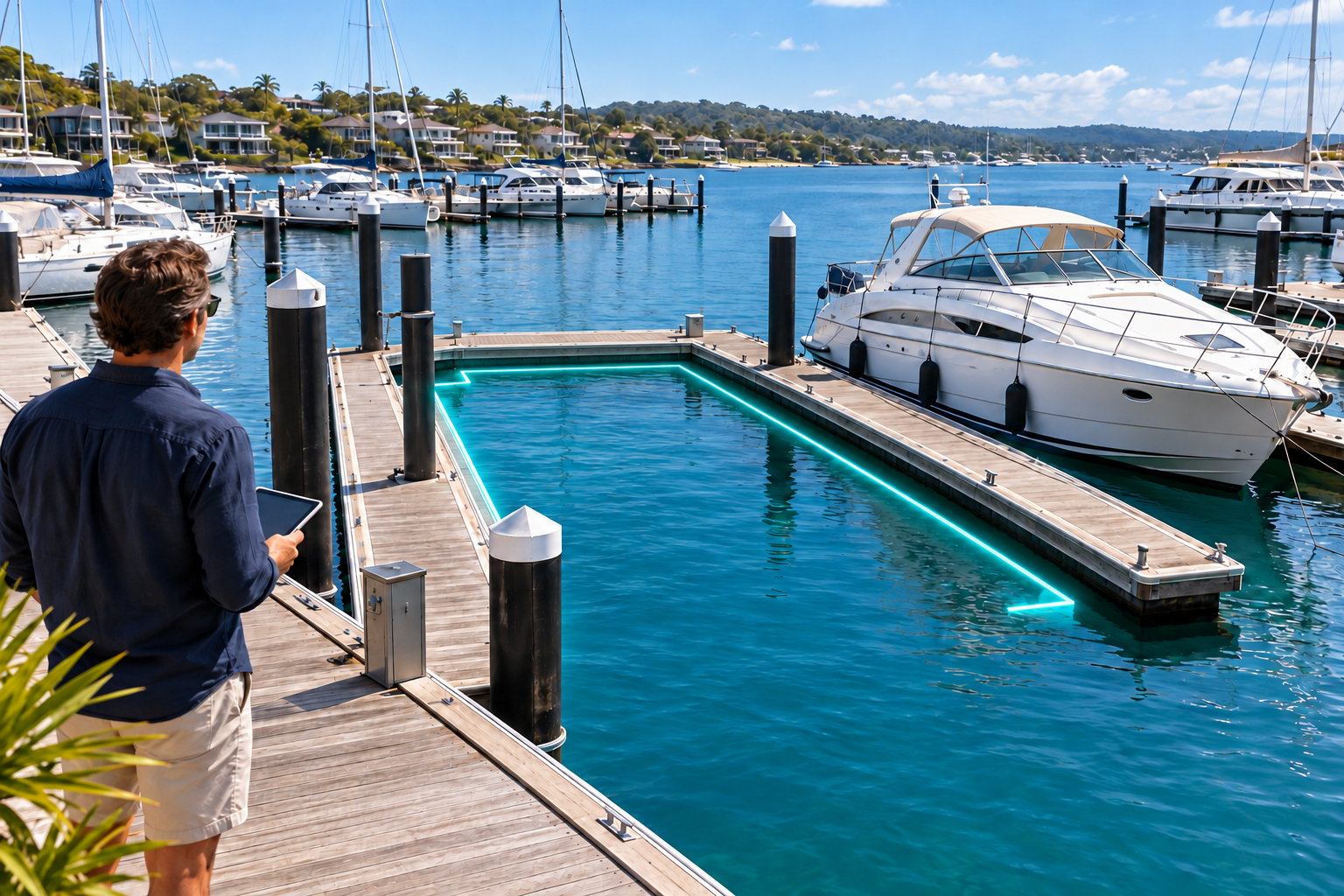
How to Rent Out Your Berth | Marina Match
How to Rent Out Your Berth: A Step-by-Step Listing Guide
To rent out your berth, confirm that you are allowed to offer it to other boaters, describe the space accurately, choose your available dates and set a clear price. You can then create a Marina Match listing and complete the required review process.
A good listing helps a boater decide whether the space suits their vessel and their visit. Precise dimensions, useful photographs and straightforward access instructions matter more than a long sales description.
Can I rent out my berth or private jetty?
Start with the conditions that apply to your particular space. Owning waterfront property, holding a berth lease and having a mooring licence are different arrangements. Check your agreement, marina rules and relevant permissions before advertising.
For a leased berth, ask the marina whether third-party rentals are permitted and whether its approval is required. For a private jetty, establish which areas a visiting boater may use and how they will reach the waterfront. Check the insurance arrangements that apply to rental use.
Do not assume that a private mooring can be advertised in the same way as a marina berth. For example, a NSW private mooring licence cannot be sublet or traded. That restriction applies to that licence category; it is not a blanket rule for every berth or commercial mooring. Check the NSW private mooring conditions.
What information should I prepare?
Before starting your listing, collect:
- The marina or property address and the berth’s location within it.
- Maximum permitted vessel length, beam and draft.
- The berth type, approach information and any access restrictions.
- Available dates, minimum stay and rental price.
- Facilities such as electricity, water, parking and showers.
- Arrival arrangements and the conditions of use.
- Recent photographs showing the space and its surroundings.
Distinguish the physical size of the berth from the vessel dimensions it is approved to accommodate. If a measurement or restriction is uncertain, confirm it with the marina or appropriate professional before describing the space as suitable.
How do I list a berth for rent on Marina Match?
Create an account, choose Manage Listing and complete your Dock Master Profile. Then:
- In Rent Listings, select Add Marina and enter your marina or property information.
- Use Edit Berth to add the space, its limits, prices and availability.
- Position the berth using Map.
- Complete Payout Account setup and verification.
- Submit the listing for review. Publication follows approval.
The Marina Match listing FAQ provides the detailed instructions.
Which photographs help boaters choose?
Show the berth from the water, the approach and the route ashore. Include the dock surface, mooring points and facilities relevant to the booking. A wide photograph provides context; closer photographs explain practical details.
Use photographs of the actual space. Keep them current when structures, access or facilities change. Avoid an image that makes a neighbouring berth appear to be the one offered.
Protect private information: photographs should not reveal gate codes, access credentials or personal documents.
How should I describe the berth?
Use a title that tells the reader the berth type, location and a useful distinguishing feature. Include vessel dimensions only when they have been confirmed.
For example, a title format could be: “Private jetty berth in [suburb] with shore power.” Replace the bracketed location with the real suburb and mention shore power only if it is available.
In the description, explain how the space works. Can guests walk directly ashore? Where can they park? Is electricity included or metered? Does the access route cross a private area? Clear answers help prevent unsuitable enquiries.
How do I set the rental price?
Compare spaces with similar vessel limits, facilities, location and rental periods. A marina berth with showers and secure parking may offer a different experience from a private jetty.
Decide what the advertised charge covers. State additional charges clearly and make the minimum stay easy to find. A low daily equivalent can be misleading if the booking requires a much longer commitment.
As checked on 23 October 2026, Marina Match’s FAQ states that rental listing creation and publication are free, with no Dock Master subscription fee. Booking charges are separate. Review the current fee information.
Can I rent out my berth only while I am away?
If your permissions allow it, offer only the dates you can honour. Leave enough time for the visitor to depart before you return, and clarify how a request to extend the stay will be handled.
Keep availability consistent with any bookings you accept elsewhere. When your own plans change, address existing commitments before making the space unavailable.
What should I check before submitting?
Read the listing as if you were arriving for the first time. Confirm that the photographs show the correct berth, the measurements are accurate, and the price and dates match your intention.
Prepare practical arrival instructions separately from public access information. The visitor should understand where to go and whom to contact, while security codes remain appropriately controlled.
Ready to advertise your berth?
A useful listing makes the boat, the space and the dates easy to match. Start with accurate details, keep availability current and explain the conditions in plain language.
Create your Marina Match account and start listing your berth.
Do you run a marina or own a berth?
Reach boat owners searching for berths. Listing is free.
Recent Blogs

October 24, 2026
Find a Berth for Rent Near You | Marina Match
October 24, 2026
Marina Berth Costs & Boat Slip Rental Prices | Marina Match
October 24, 2026
Overnight, Monthly & Long-Term Berth Rental | Marina Match
October 24, 2026
What Size Berth Do I Need? Boat & Catamaran Guide
October 24, 2026
How to Rent Out Your Berth | Marina Match